SAMPLE AND DEMONSTRATION ONLY. Illustrative analysis of publicly available information, prepared by BI Consulting Services. Not affiliated with, endorsed by or produced for any company shown.
Demonstration · Illustrative data · BI Consulting Services

Upstream Bio×BI Consulting Services

Claims-data market insight board · New Product Planning · Respiratory & Immunology
Prepared for Seth
September 2026 · Power BI concept demo

Where do the treated patients sit in the airway — and how many reach a biologic?

A single Power BI model over refreshed medical, pharmacy and eligibility claims: diagnosed prevalence, line-of-therapy flow, biologic share, payer mix and site of care for severe asthma, CRSwNP and COPD — the three indications in verekitug's development plan. Filter by indication, US census region and claims refresh.

Showing all three indications · national · Q3 2026 refresh

1Line-of-therapy flow, drawn as the airway

Each branch is a patient segment; branch width is proportional to patient count. Trachea = diagnosed population.

2Biologic-treated patients, trailing 24 months

Monthly count of patients with ≥1 biologic claim in the month, vs. planning baseline.
Actual (claims)Planning baseline

3Biologic share by mechanism

Share of biologic-treated patients by target class (pharmacy + medical J-code claims).

4Payer mix of biologic-treated patients

Primary payer on the most recent biologic claim.

5Prescriber specialty & site of care

Rendering-provider taxonomy on biologic claims, plus the HCP count behind each.

6Treated patients per 100k population, by region

Treated = ≥2 indication-coded claims and ≥1 maintenance-therapy fill in the refresh window.

7Claims feed refresh status

Structure for the refreshed claims drop: load counts, completeness against expected volume, and script run state.
SourceRows loadedLast refreshCompletenessScriptState

8What this board answers

Three new-product-planning questions, each answered from the current filter.

9Ask the data

Natural-language layer over the same model (Copilot-style). Illustrative response.
Demonstration · Illustrative data · BI Consulting Services
Also from BI Consulting Services

Private AI on your own server

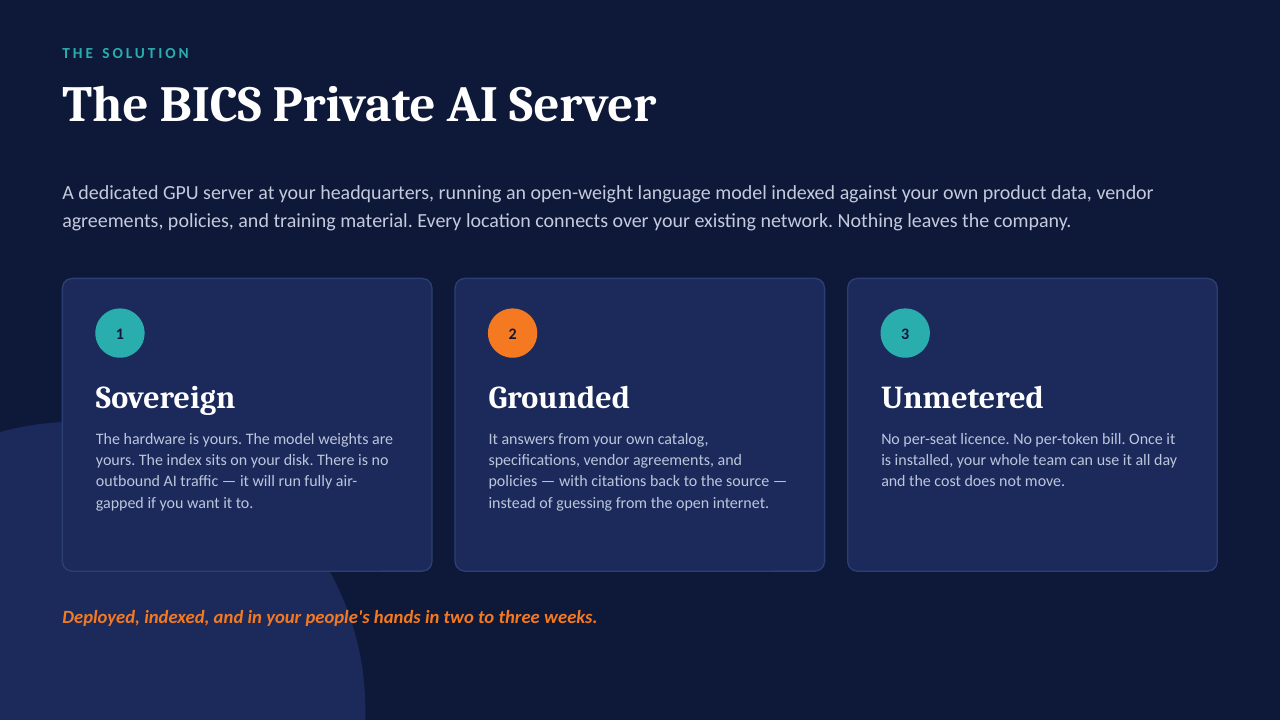
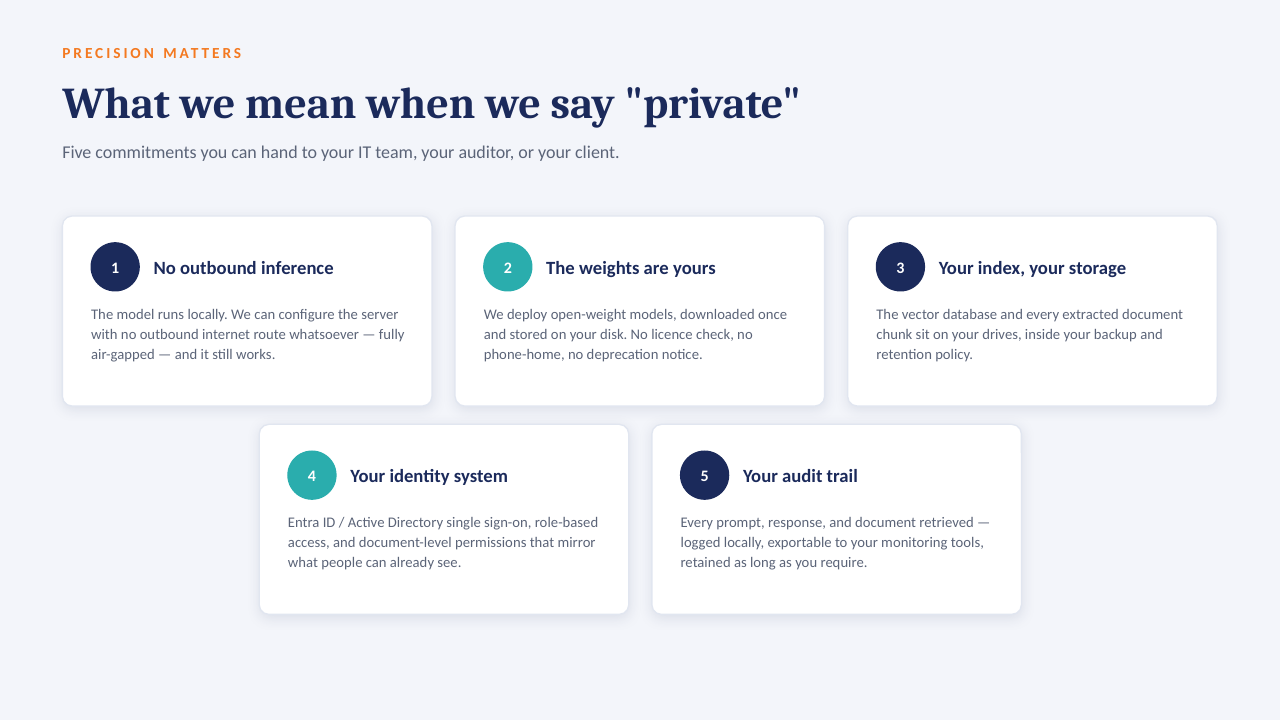
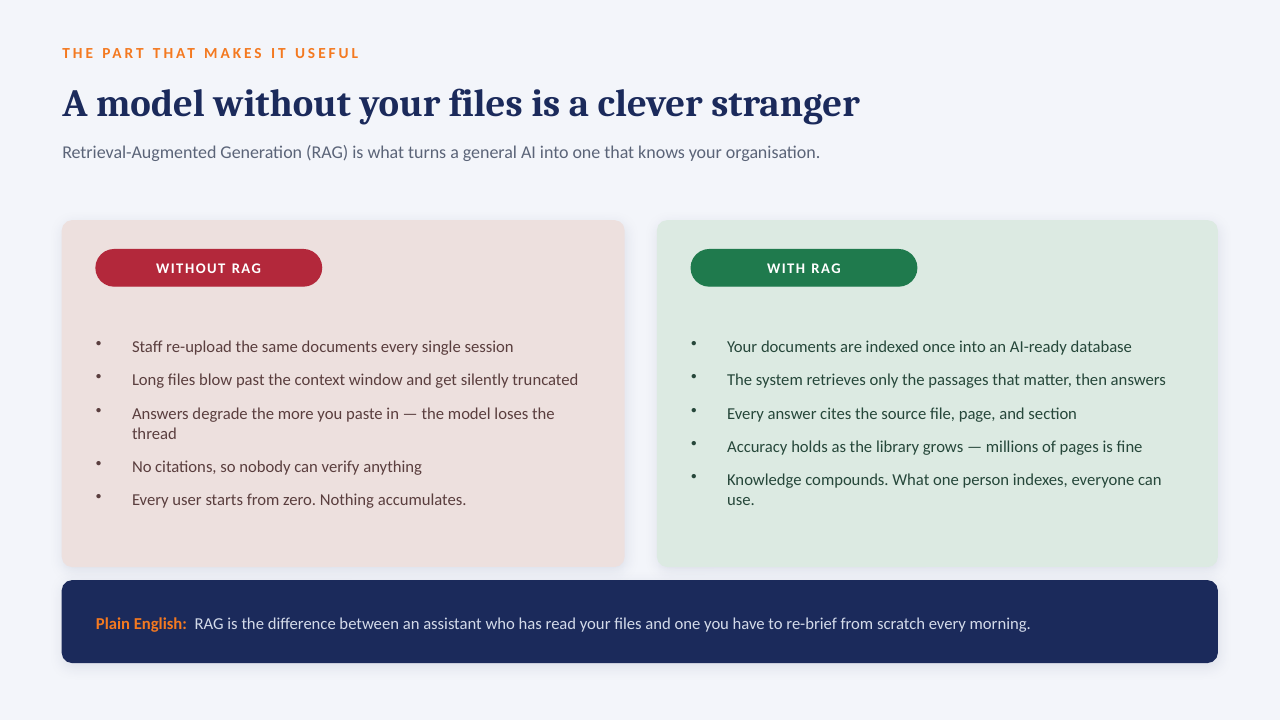
The "ask the data" panel above is built to run on a GPU server inside your own network: an open-weight model over your own documents, with every answer citing the file it came from. No per-seat licence, works offline, and nothing leaves the building.

How it sits in your environment

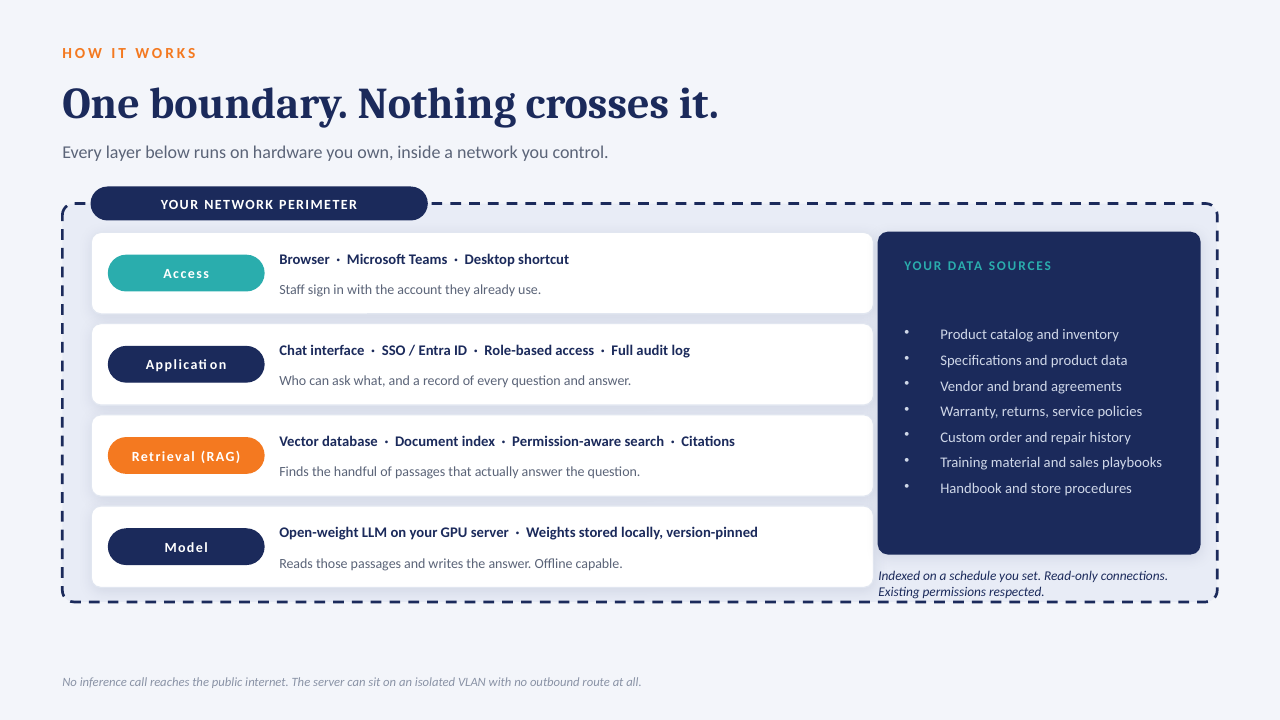
YOUR NETWORK · NOTHING LEAVES THE BUILDING Your files policies · SOPs · contracts reports · ERP exports indexed locally GPU One server, in your building open-weight model · your data only in seconds Cited answers every reply links to the source file and page no cloud AI · no third-party processor
One appliance-class server on your rack or in a secured closet. Your files are indexed where they already live; the model runs locally; answers come back with the source page attached.

What that means in practice

  1. 1
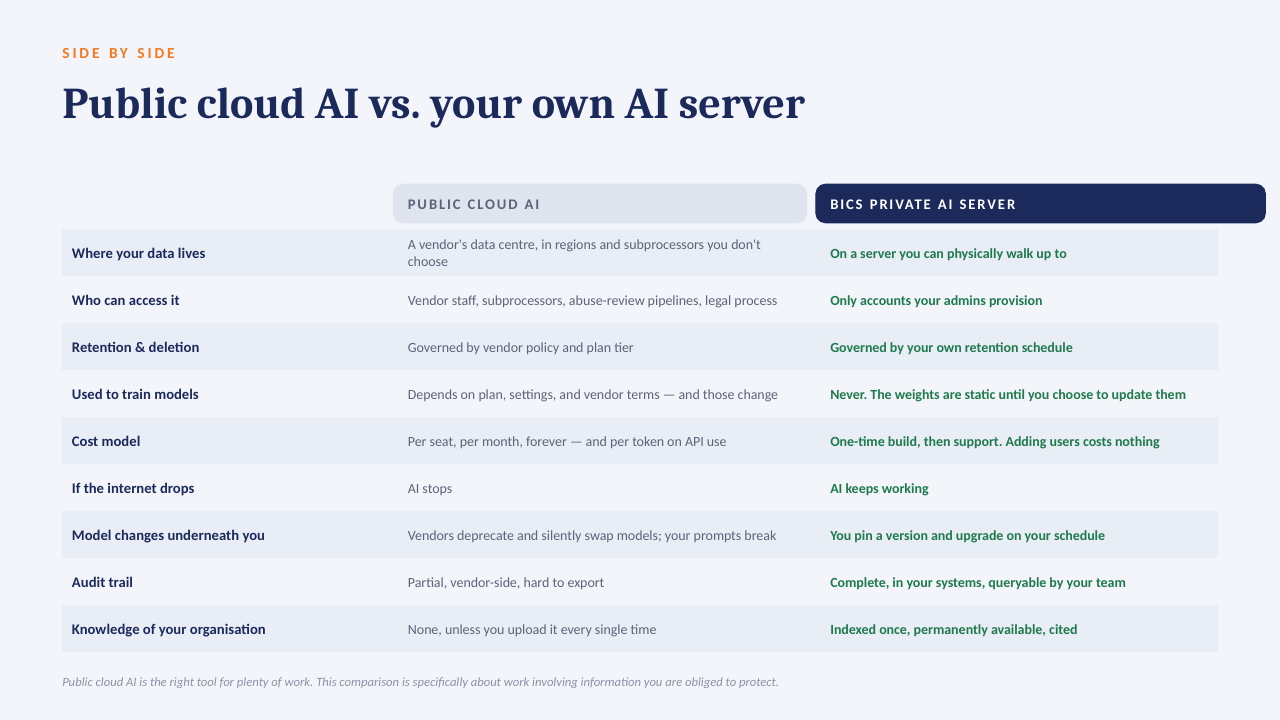
    Your data only, on your hardwareAn open model over your own documents and exports. No third-party AI processor, no data-transfer agreement to review.
  2. 2
    Every answer cites its sourceReplies point to the file and page they were drawn from, so people check the answer instead of trusting it blind.
  3. 3
    No per-seat licenceThe whole team can ask questions. Cost is the server and our build, not a monthly number that grows with headcount.
  4. 4
    Works offlineIf the internet connection goes down, the answers still come. Nothing depends on a vendor's uptime or pricing changes.

The short deck

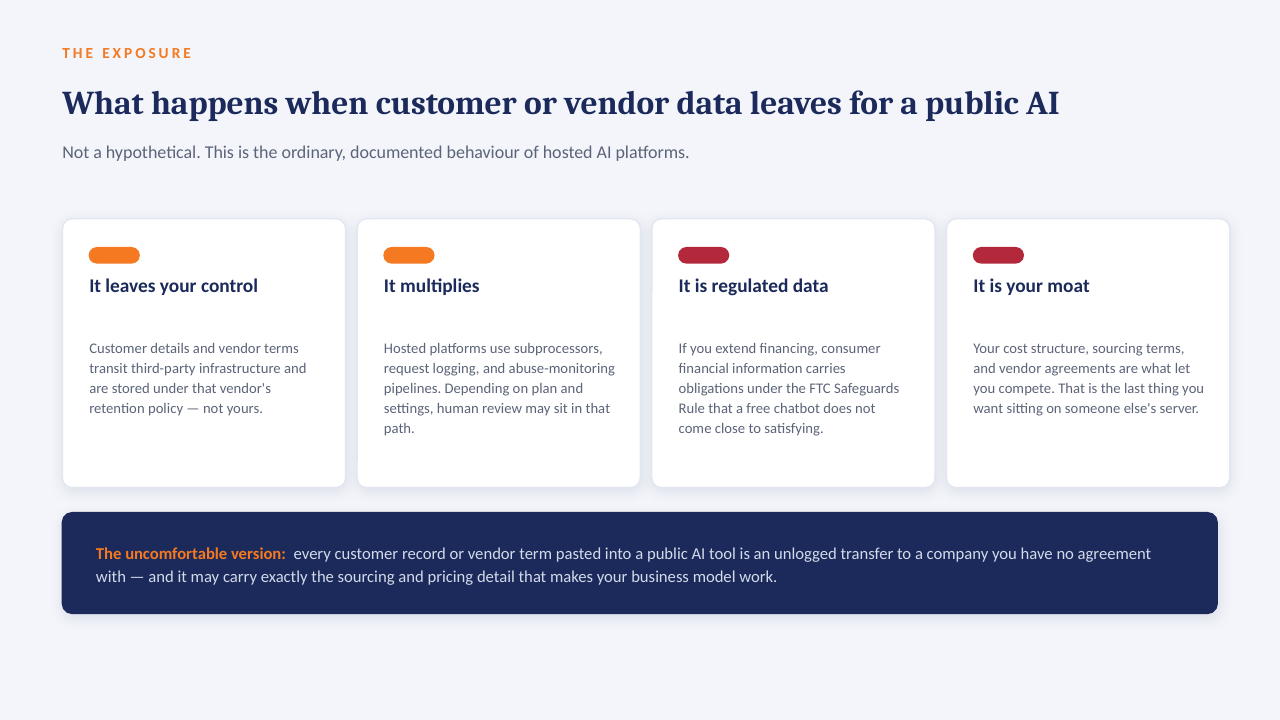
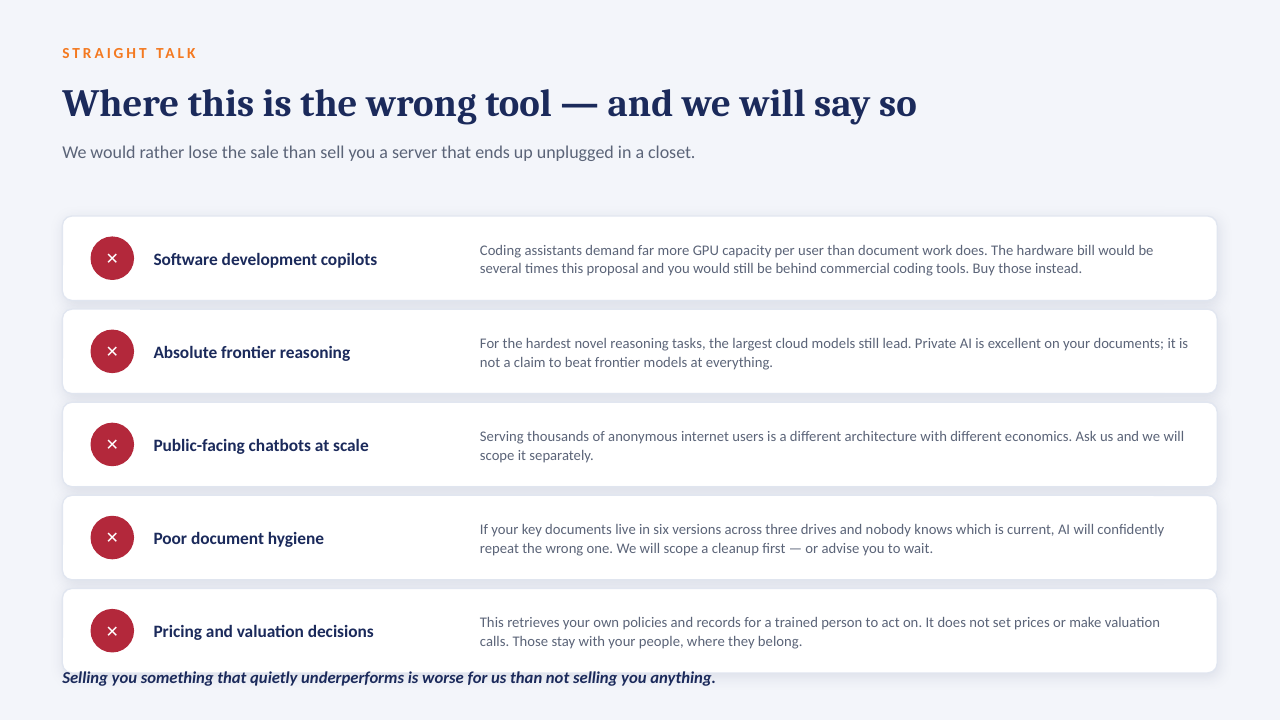
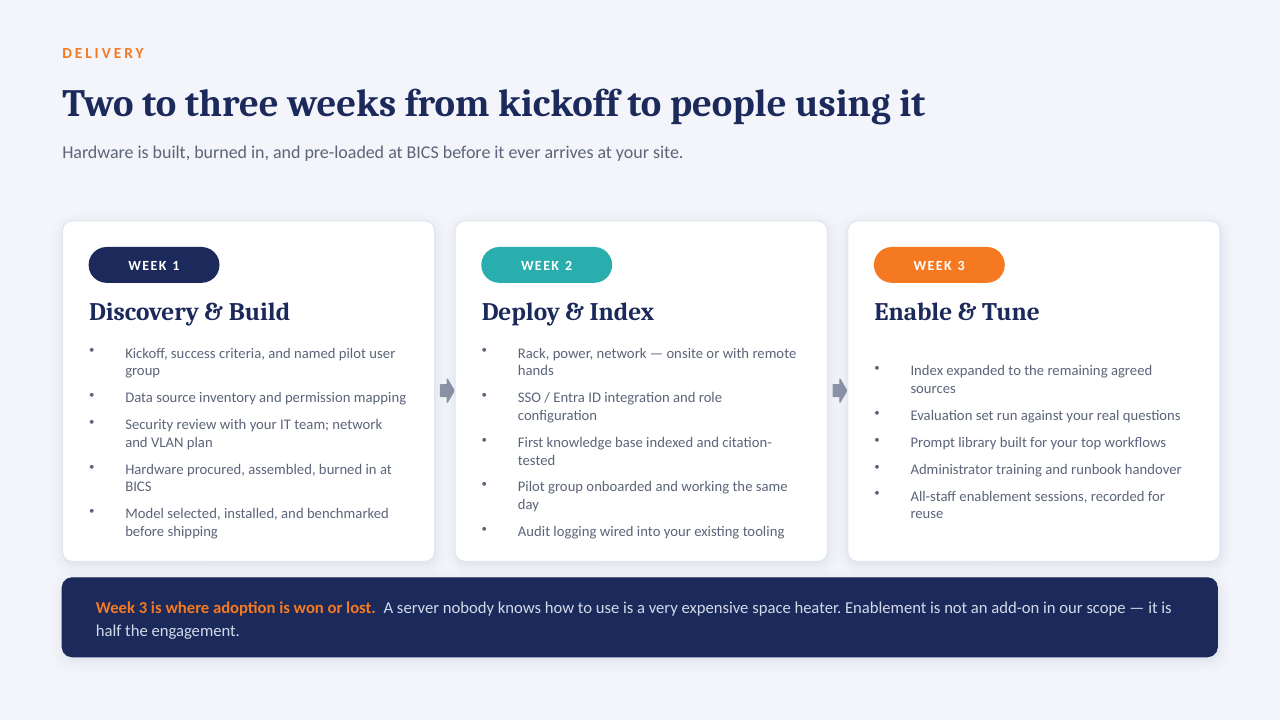
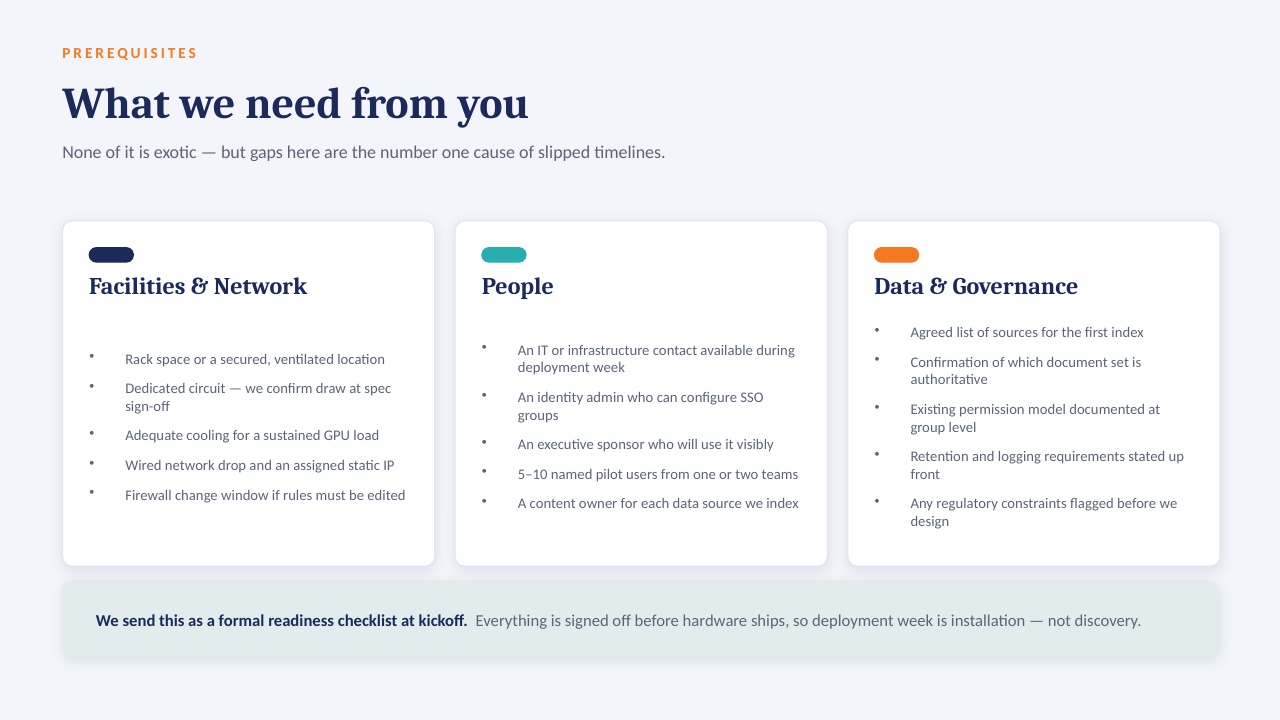
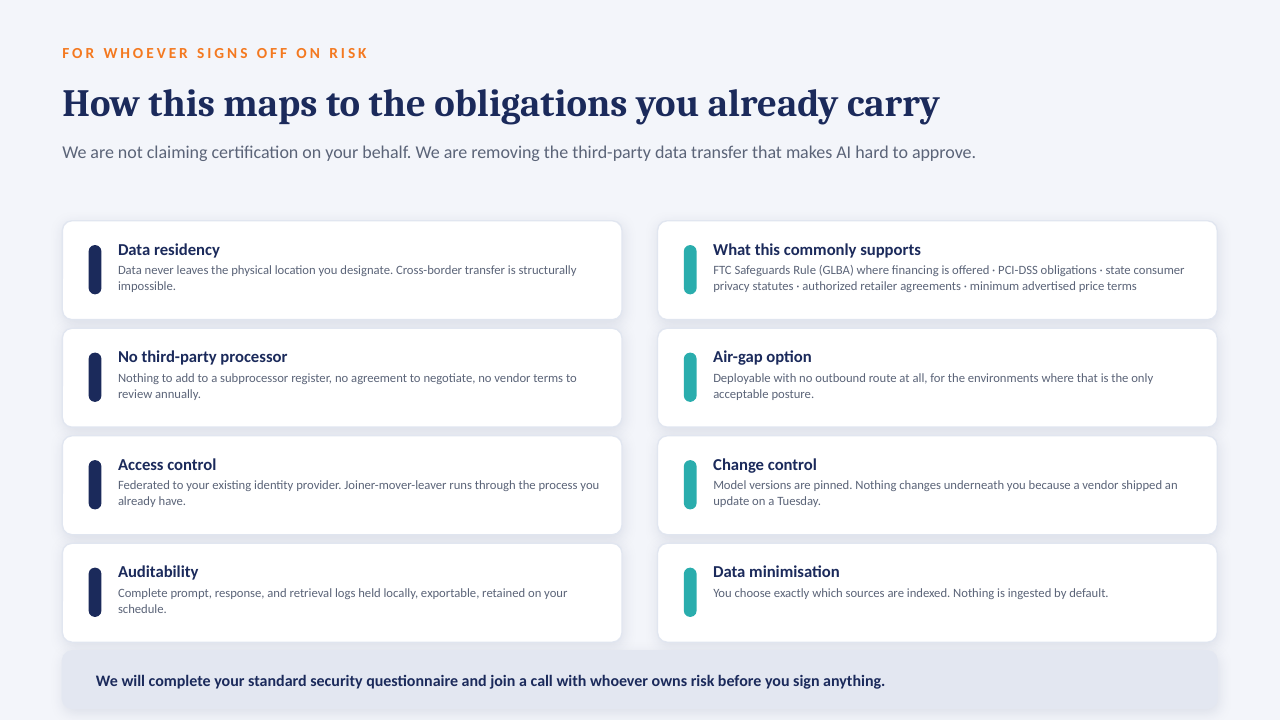
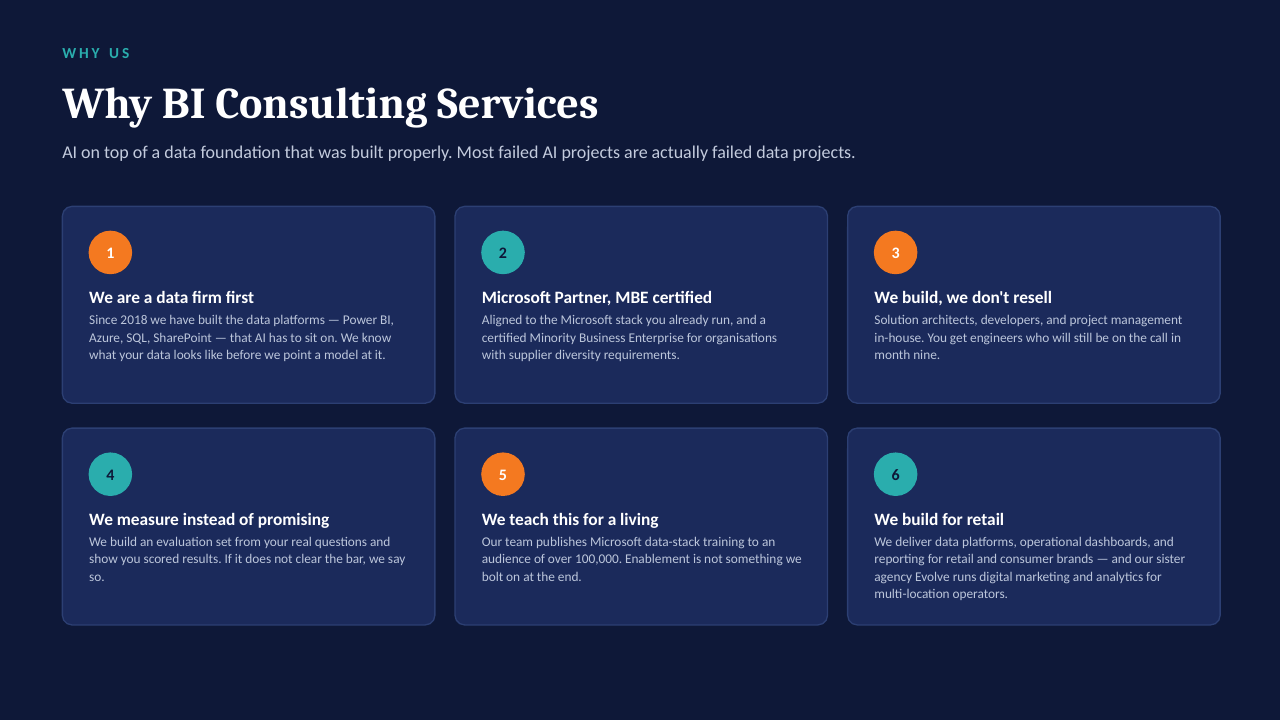
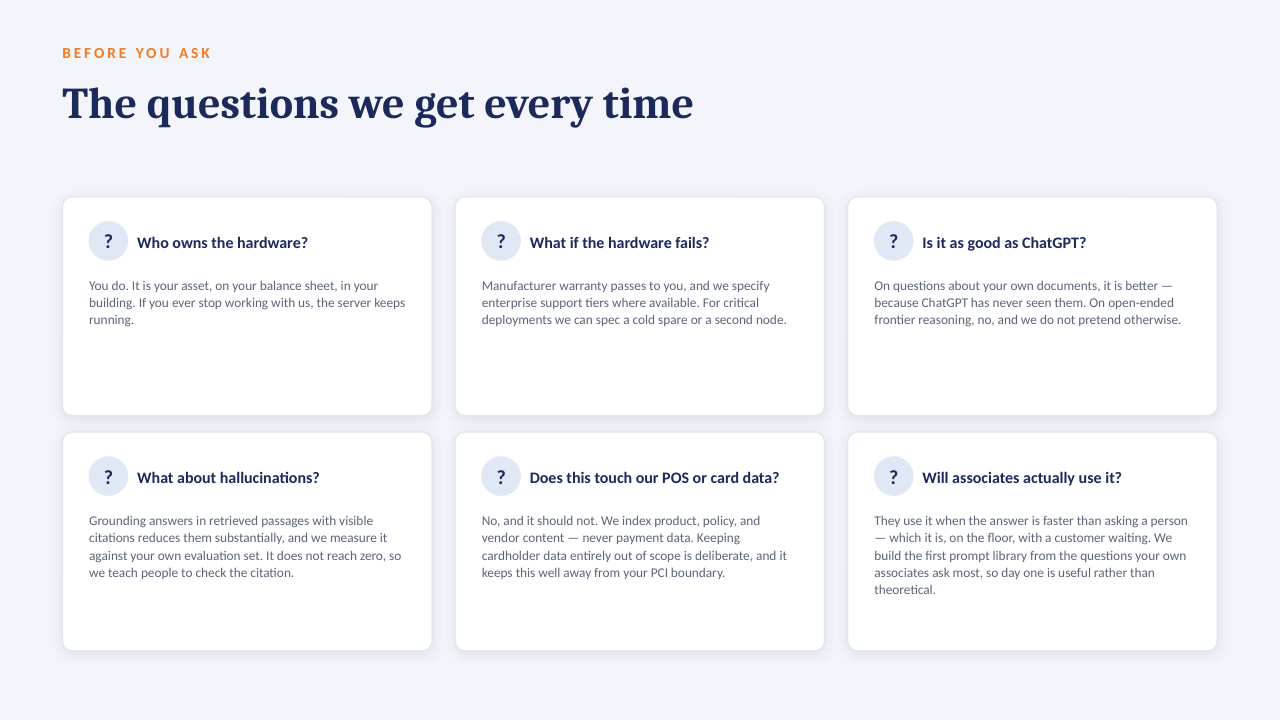
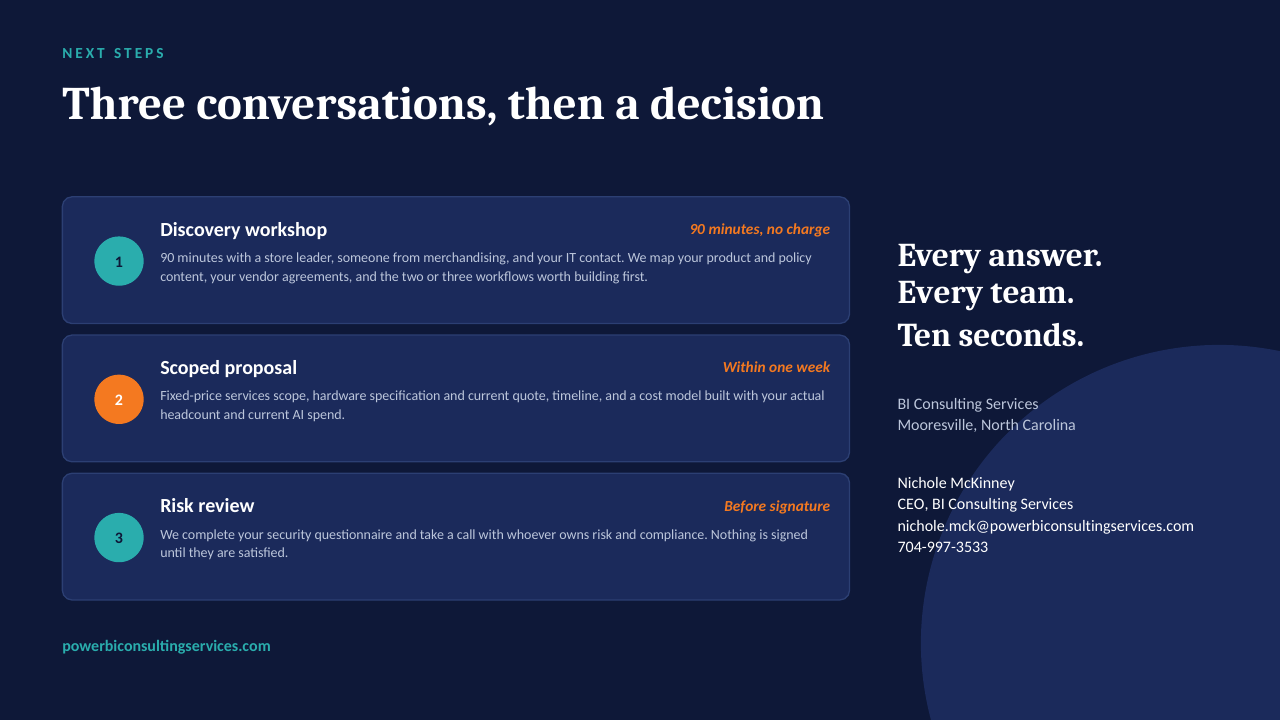
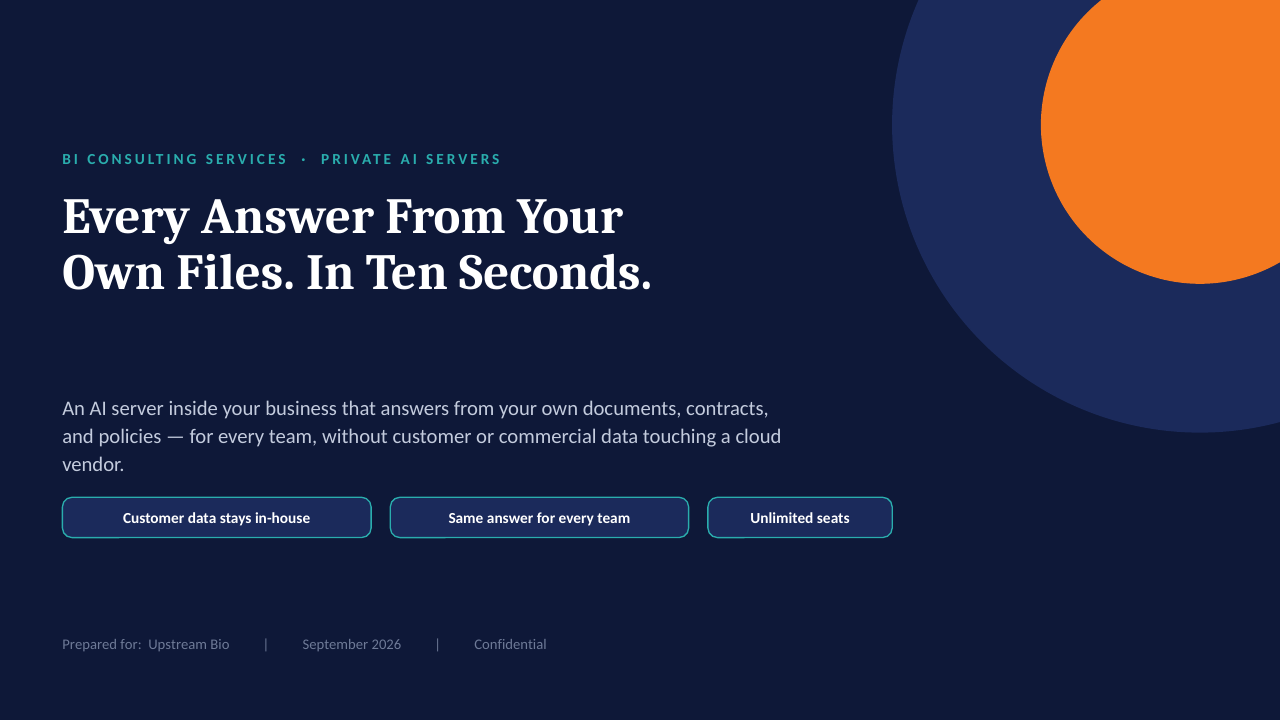
14 slides on how a private AI server is scoped, secured and rolled out. Click through, or take the PDF.

Download the PDF
Private AI on your own server — slide 1 of 14 Private AI on your own server — slide 2 of 14 Private AI on your own server — slide 3 of 14 Private AI on your own server — slide 4 of 14 Private AI on your own server — slide 5 of 14 Private AI on your own server — slide 6 of 14 Private AI on your own server — slide 7 of 14 Private AI on your own server — slide 8 of 14 Private AI on your own server — slide 9 of 14 Private AI on your own server — slide 10 of 14 Private AI on your own server — slide 11 of 14 Private AI on your own server — slide 12 of 14 Private AI on your own server — slide 13 of 14 Private AI on your own server — slide 14 of 14
1 / 14Tap or click a slide to advance · arrow keys work too

Worth a conversation? Book 30 minutes with NicholeBI Consulting Services · powerbiconsultingservices.com